A real terminal, so a real agent
The terminal is a Linux userland with a package manager, not a list of built-in commands. Agents such as OpenCode run in it unmodified.
Derle’s terminal is a real Linux userland on the device, so a command-line coding agent runs in it the way it runs on a laptop. Open one in a terminal tab, point it at your project and let it work.
Free to try. Derle Pro is optional.
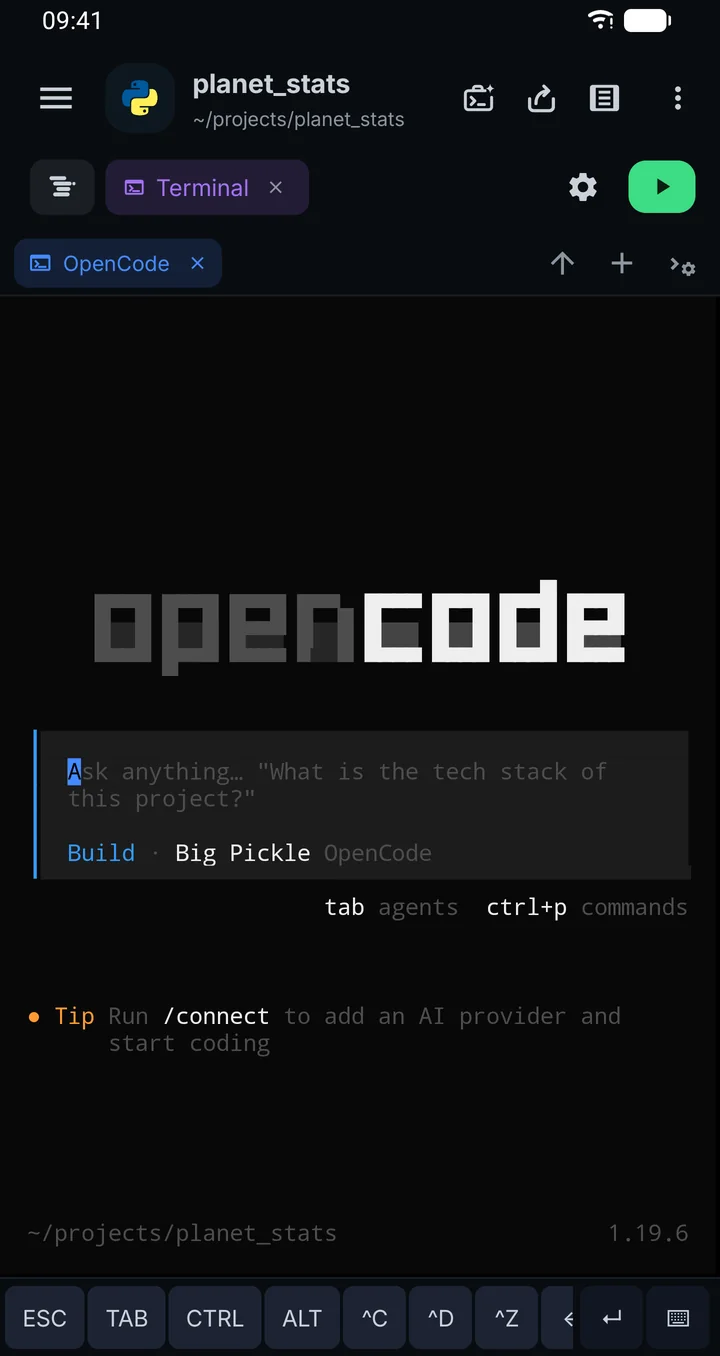
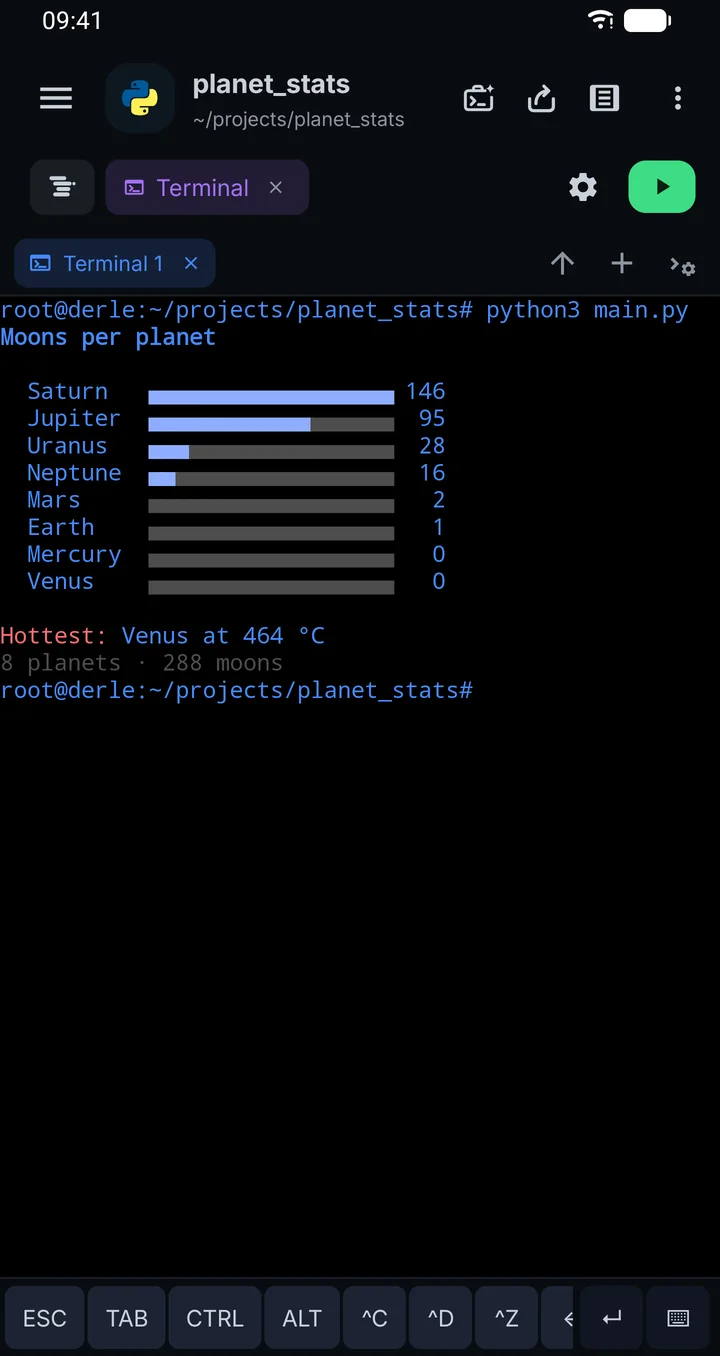
The terminal is a Linux userland with a package manager, not a list of built-in commands. Agents such as OpenCode run in it unmodified.
The agent reads and edits the files in your project folder and runs the commands to build and test them, next to Derle’s editor and Git.
Connect the agent to the AI provider you choose. It talks to that provider directly, under that provider’s own terms.
Terminal sessions survive the background, so the agent carries on while you answer a message.
Switch to Engineering Mode and open a terminal in your project.
Run the agent in a terminal tab and connect it to your AI provider.
Ask for a feature or a fix. Review what it changed in the editor, then commit it with Git.