See the screens before building
The assistant draws your app’s screens and the design board lays them out side by side, for a phone and a tablet.
Derle compiles Android apps on the device. Design the screens with the AI assistant, build the project with the Android SDK on your phone, and install the APK it produces, without a computer or a cloud build.
Make a simple app that reminds me to drink water. Tap to add a glass, show my progress for today and a weekly chart.
Free to try. Derle Pro is optional.
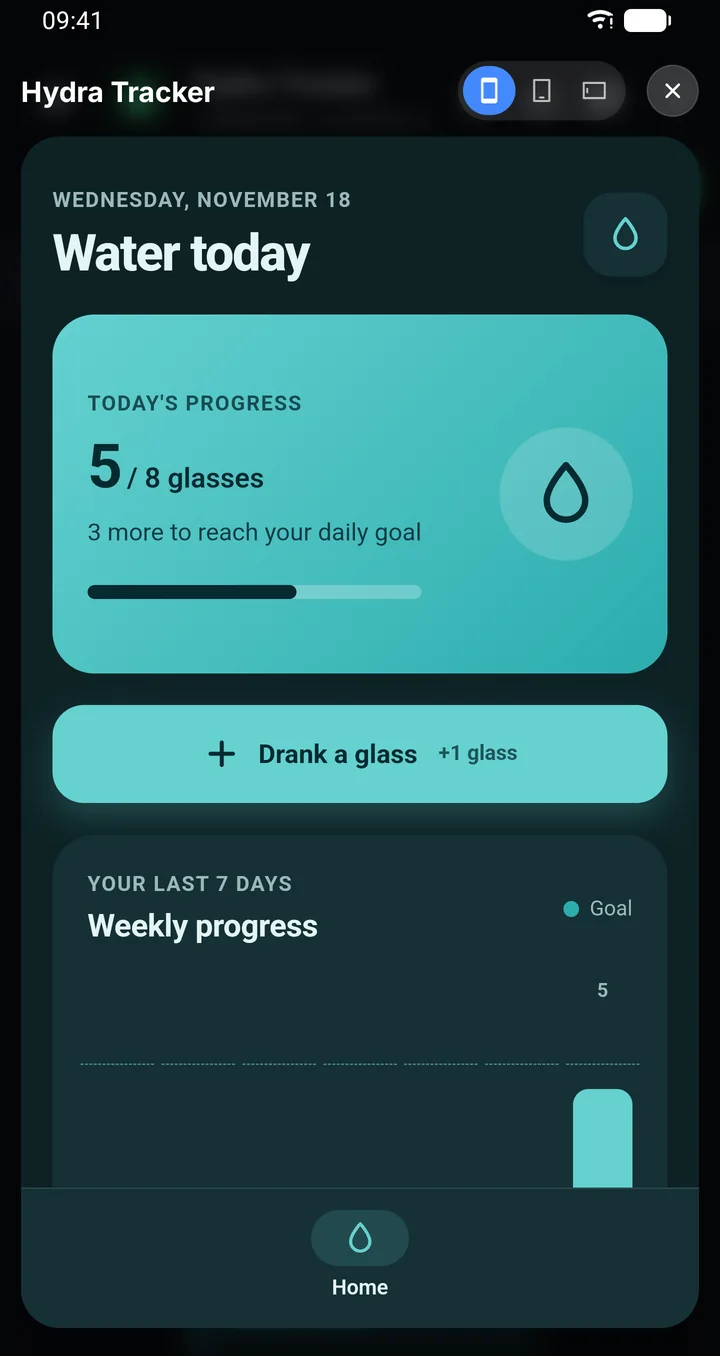
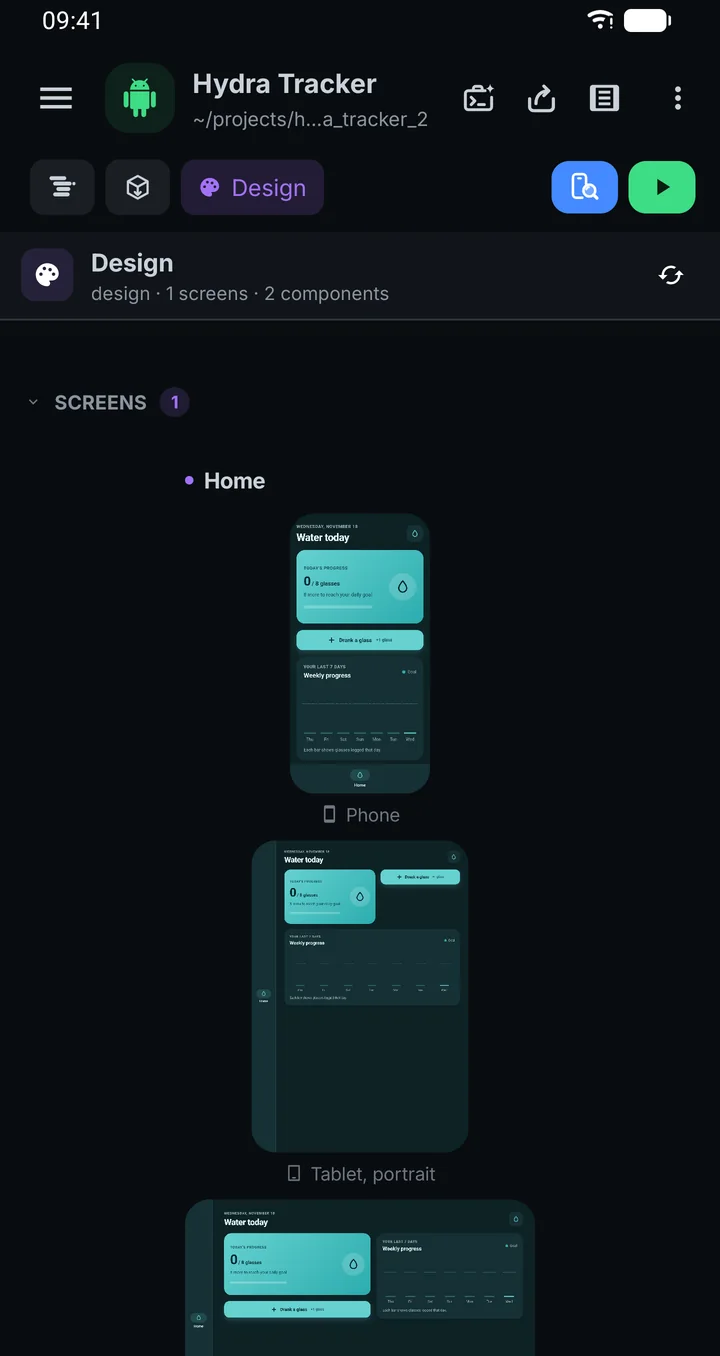
The assistant draws your app’s screens and the design board lays them out side by side, for a phone and a tablet.
A real Android project, built with the Android SDK on your phone. Kotlin, Java, Flutter and React Native projects are supported.
Create a keystore, produce a release APK or AAB, and install it straight from the build screen.
Engineering Mode opens the code editor, a Linux terminal, Git and the toolchains, installed when you need them.
Write what the app should do. The assistant designs its screens first so you can look before anything is built.
When you like the design, the assistant turns it into an Android project and Derle compiles it on the device.
Install the APK on the same phone, share it, or produce a signed AAB.