Pages appear in the chat
The assistant shows your website’s pages right in the conversation as they take shape.
Describe the site you want. Derle’s AI assistant builds the pages, shows them in the chat as they take shape, and gives you a live preview at phone, tablet and desktop size.
Make a warm, cozy website for my bakery called Maple Bakery …
Free to try. Derle Pro is optional.
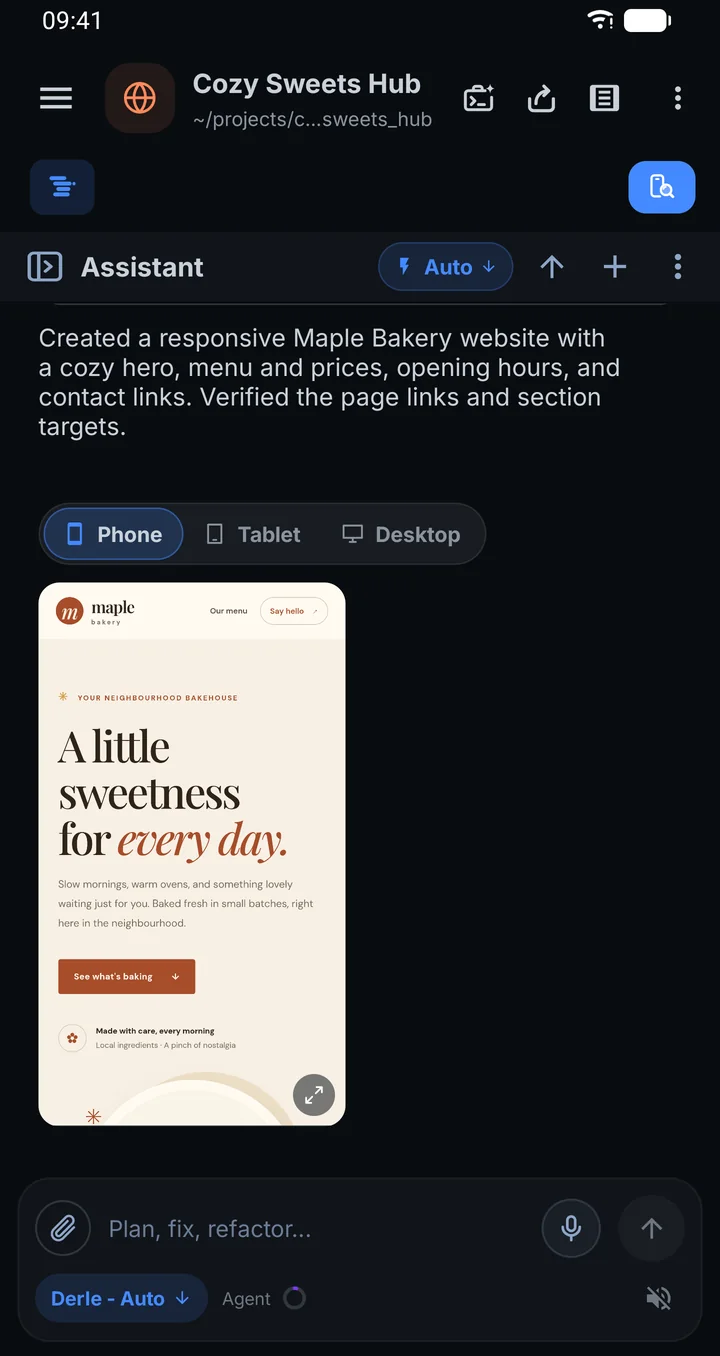
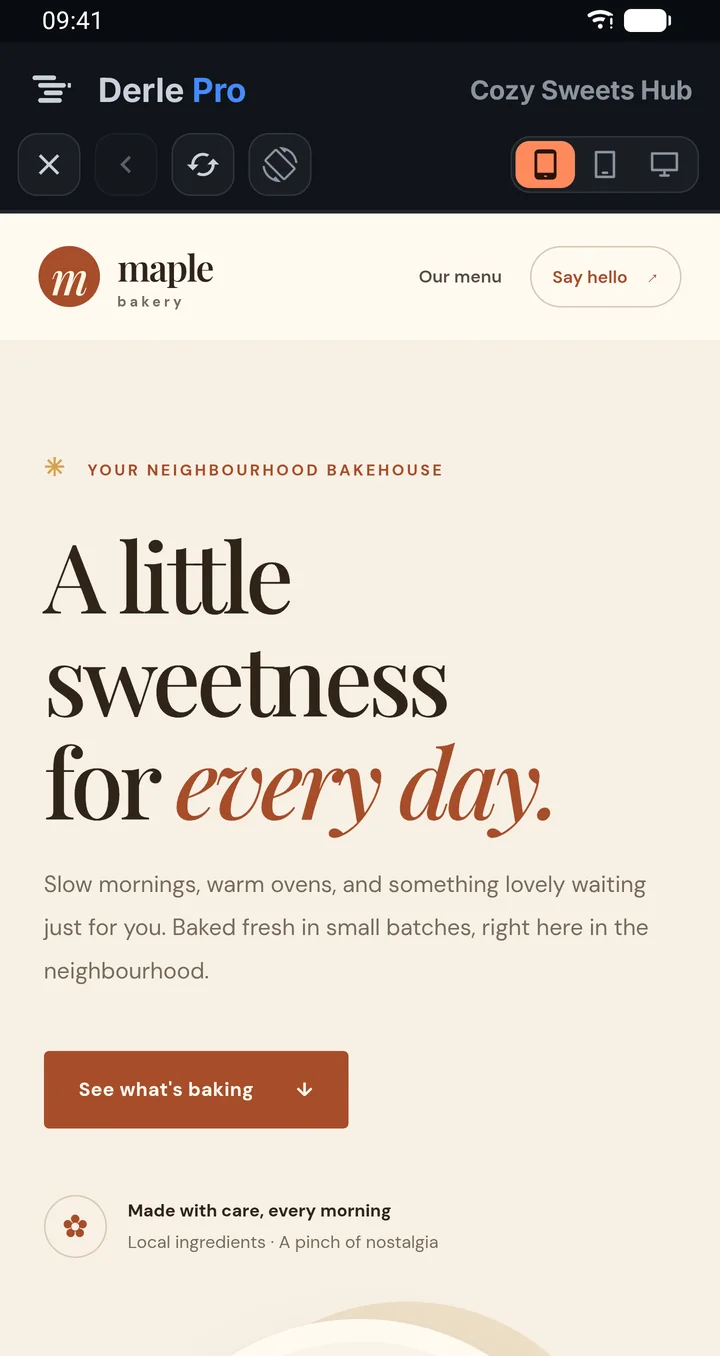
The assistant shows your website’s pages right in the conversation as they take shape.
Open the live preview and switch between phone, tablet and desktop to see the site as each would.
“Make the menu bigger”, “add opening hours”, “use a dark theme”. The assistant edits the files and the preview updates.
With Derle Pro, publish the site at its own derle.link address and share the link.
Say what the site is for and what it should have: a menu, opening hours, a contact section.
The assistant writes the pages and checks that the links and sections work.
Open the preview, ask for changes, then publish it or post it to the Derle Community.