← Derle

Flutter, on your phone.

Derle installs the Flutter toolchain on the device, so a Flutter project is written and built on the phone itself, in a real code editor with a Linux terminal beside it.

Free to try. Derle Pro is optional.
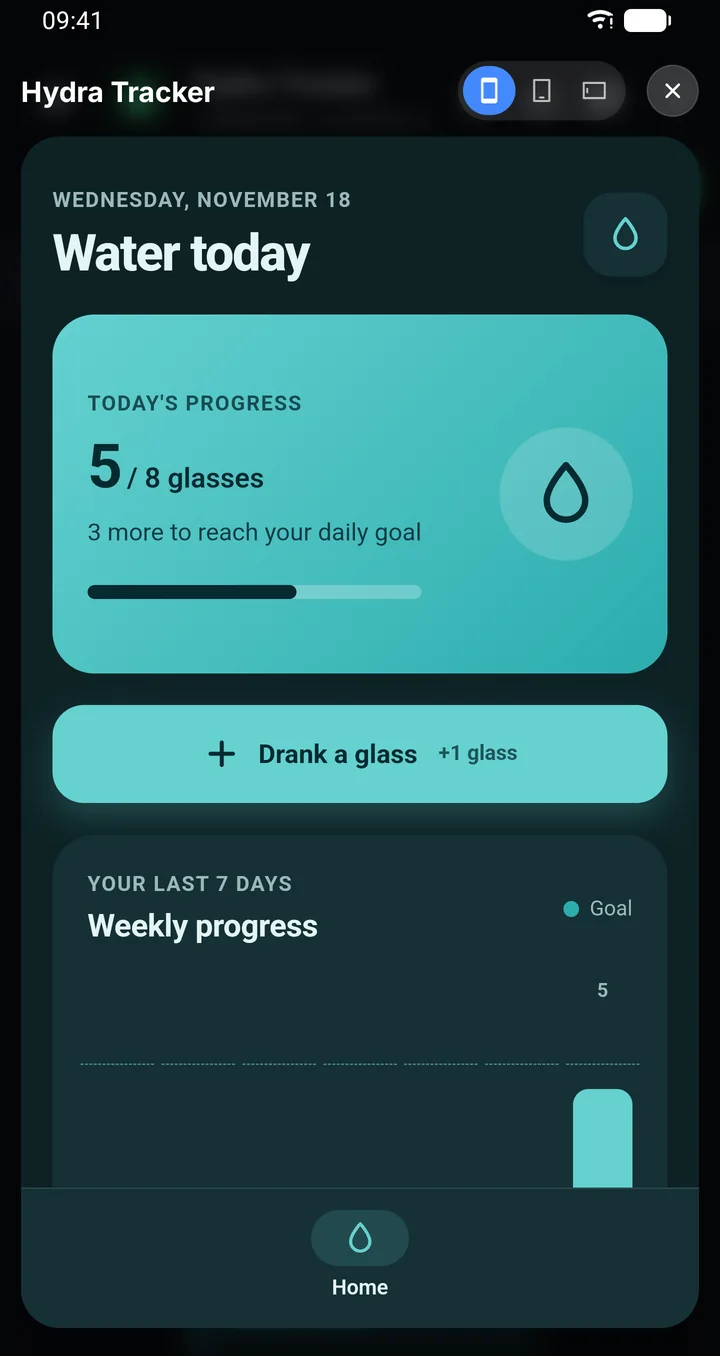
An app screen designed in Derle before it is built
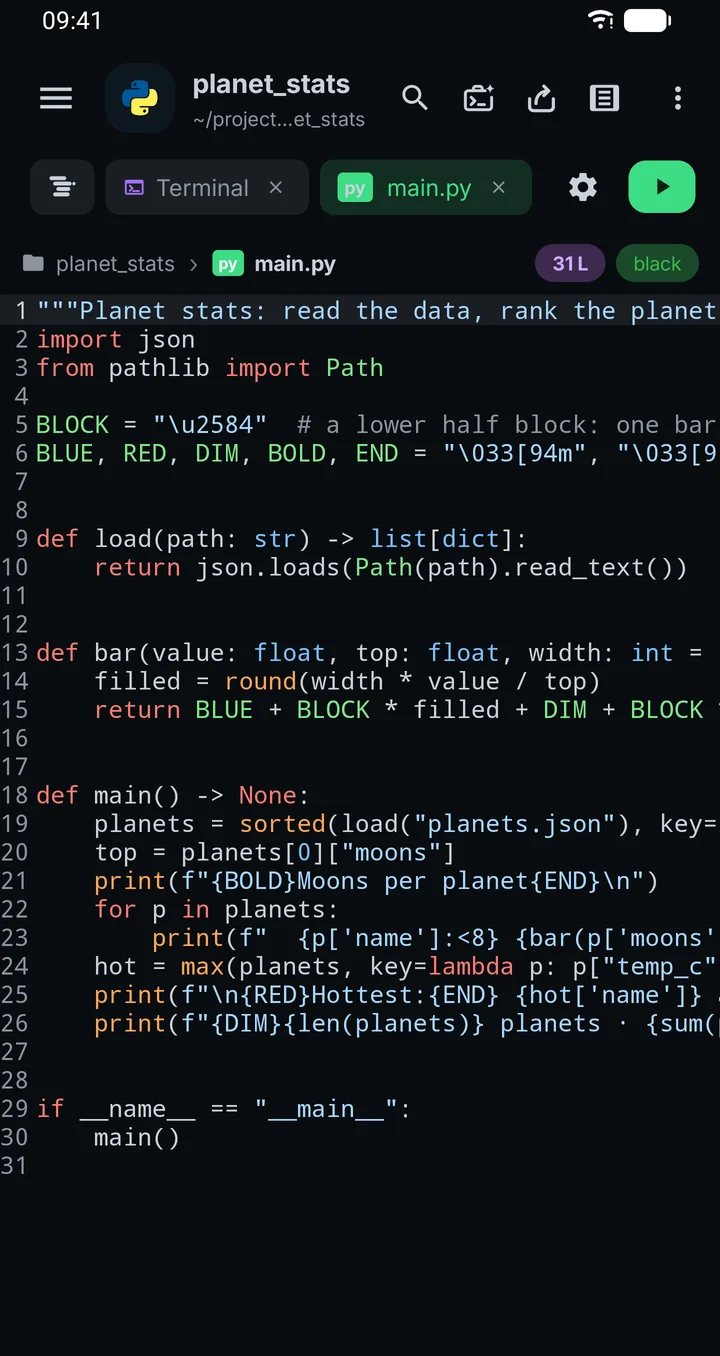
A Python file open in the Derle code editor, with syntax highlighting and line numbers

A Flutter project, start to finish, on Android

The toolchain on the device

Flutter is installed when you first need it. It is a large download and needs free storage.

A code editor made for a phone

Tabs, syntax highlighting, completion, find-in-file and a minimap.

Built on the phone

The project is compiled on the device into an Android app you can install.

An assistant that edits the project

Ask for a screen or a fix in plain words. It edits the files and shows you what it changed.

From a new project to an installed app

  1. Create a Flutter project

    Open Engineering Mode and start a Flutter project. The toolchain is set up for you.

  2. Write it, or describe it

    Edit the Dart files yourself, or let the assistant write them.

  3. Build and install

    Build on the device and install the app on the same phone.

Questions

Can I use Flutter on an Android phone?
Yes. Derle installs the Flutter toolchain on the device and supports Flutter projects, so you write and build the app on the phone without a computer.
Do I need a cloud build service?
No. The build runs on your phone. The first setup downloads the toolchain, which is large and needs free storage.
Does this work on iPhone?
Flutter and Android builds are Android only, because that toolchain cannot ship inside an App Store app. The iOS version of Derle is still in development.