gcc, unmodified
A Linux userland with a package manager, where gcc does exactly what it does on a server.
Derle’s terminal is a real Linux userland, so gcc is the compiler you know. Write C or C++ in the editor, compile it on the device and run the binary in the same terminal.
Free to try. Derle Pro is optional.
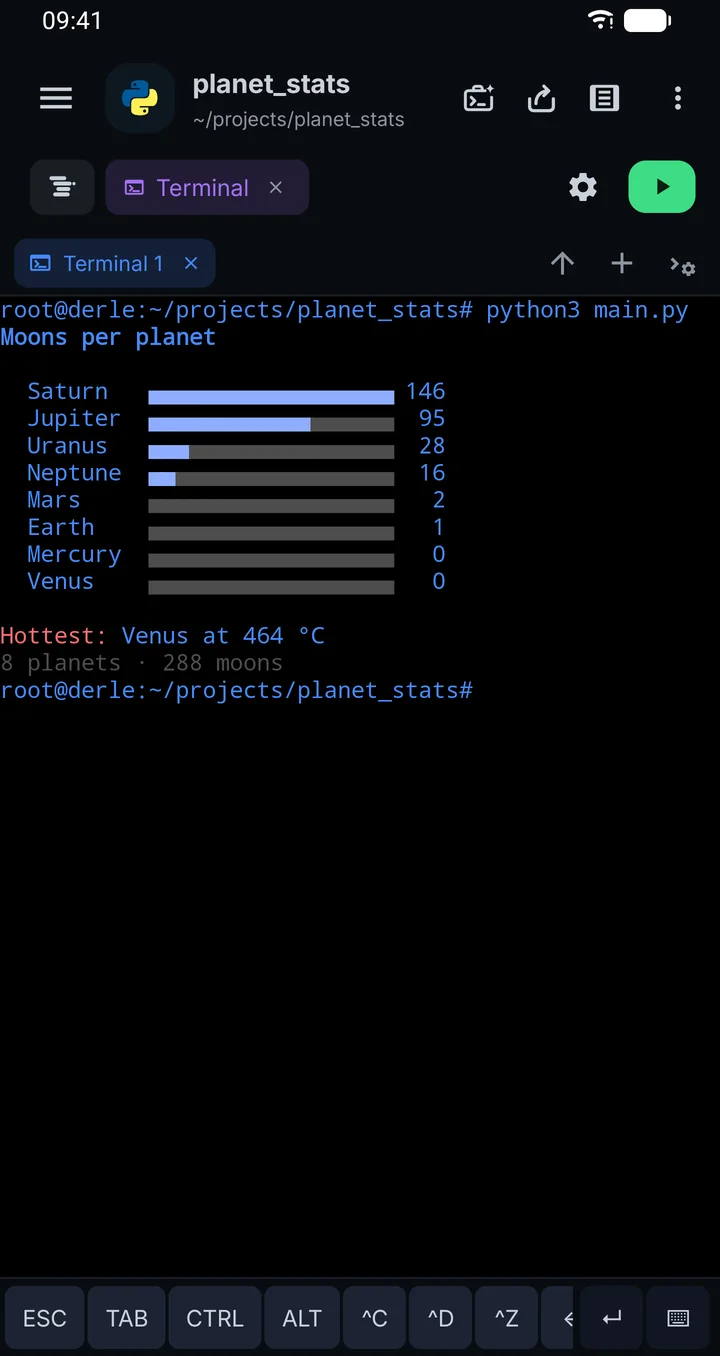
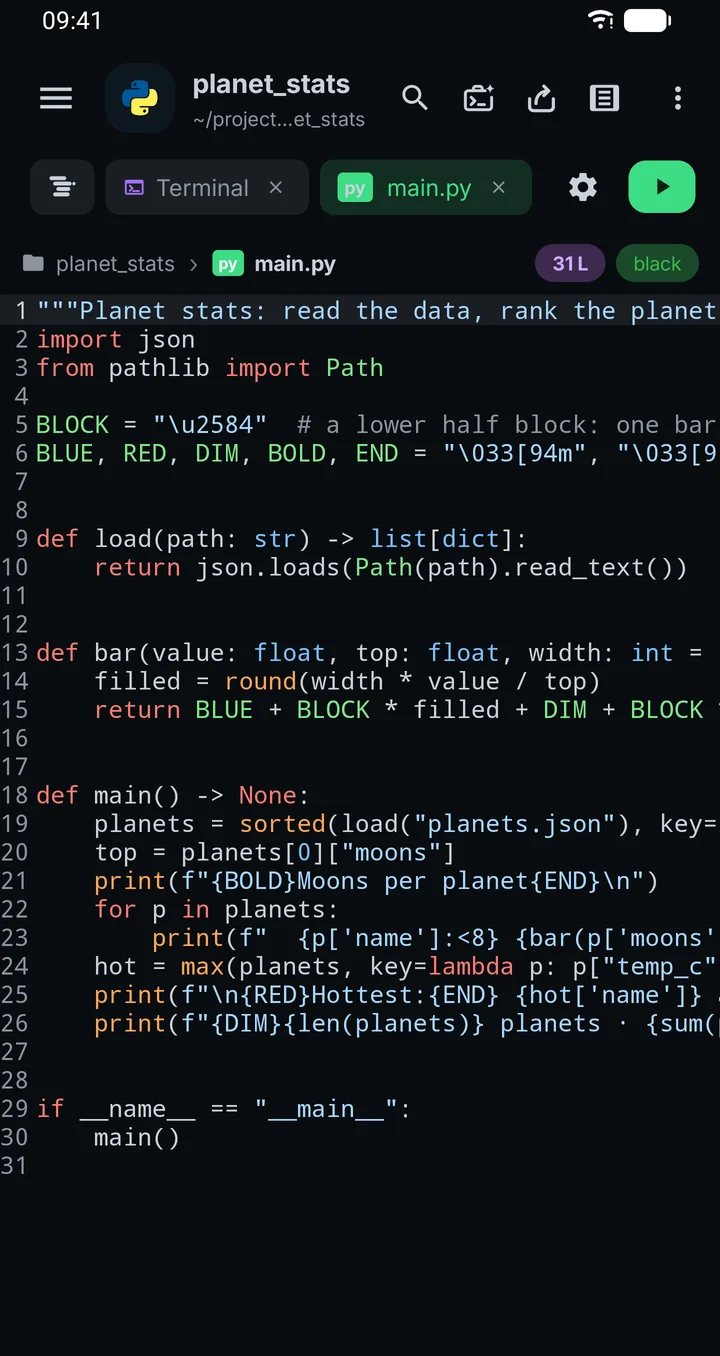
A Linux userland with a package manager, where gcc does exactly what it does on a server.
Your program is compiled and run on the phone, not sent to a remote machine.
Tabs, syntax highlighting, completion and find-in-file, with several terminal sessions open at once.
The userland runs under PRoot, so the phone does not need to be rooted.
Open Engineering Mode and start a C or C++ project.
Use the editor, or ask the assistant to write or fix it.
Run gcc in the terminal and start the binary. Long builds keep going in the background.