The whole everyday set
Stage, commit, amend, branch, fetch, pull and push.
Stage, commit, amend, branch, fetch, pull and push, with real diffs, inside the same app as your editor and terminal. Clone over HTTPS or SSH and work on a real repository from your phone.
Free to try. Derle Pro is optional.
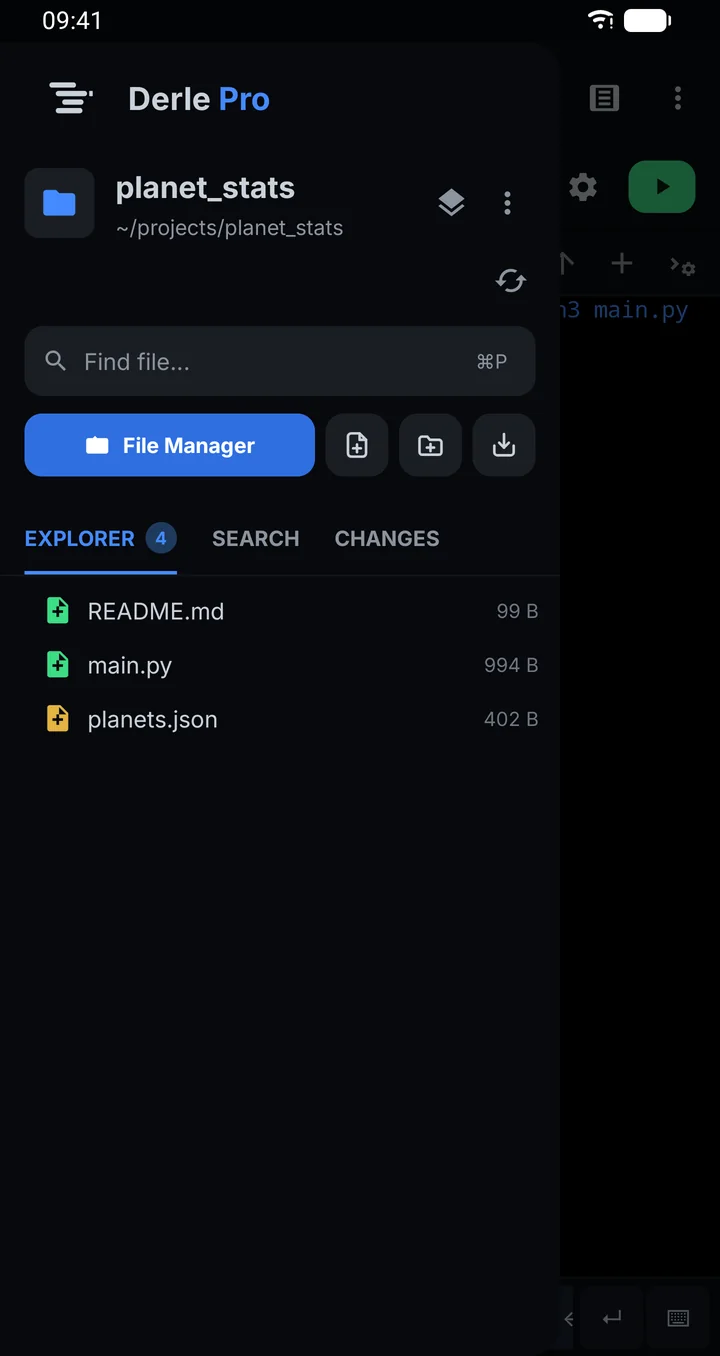
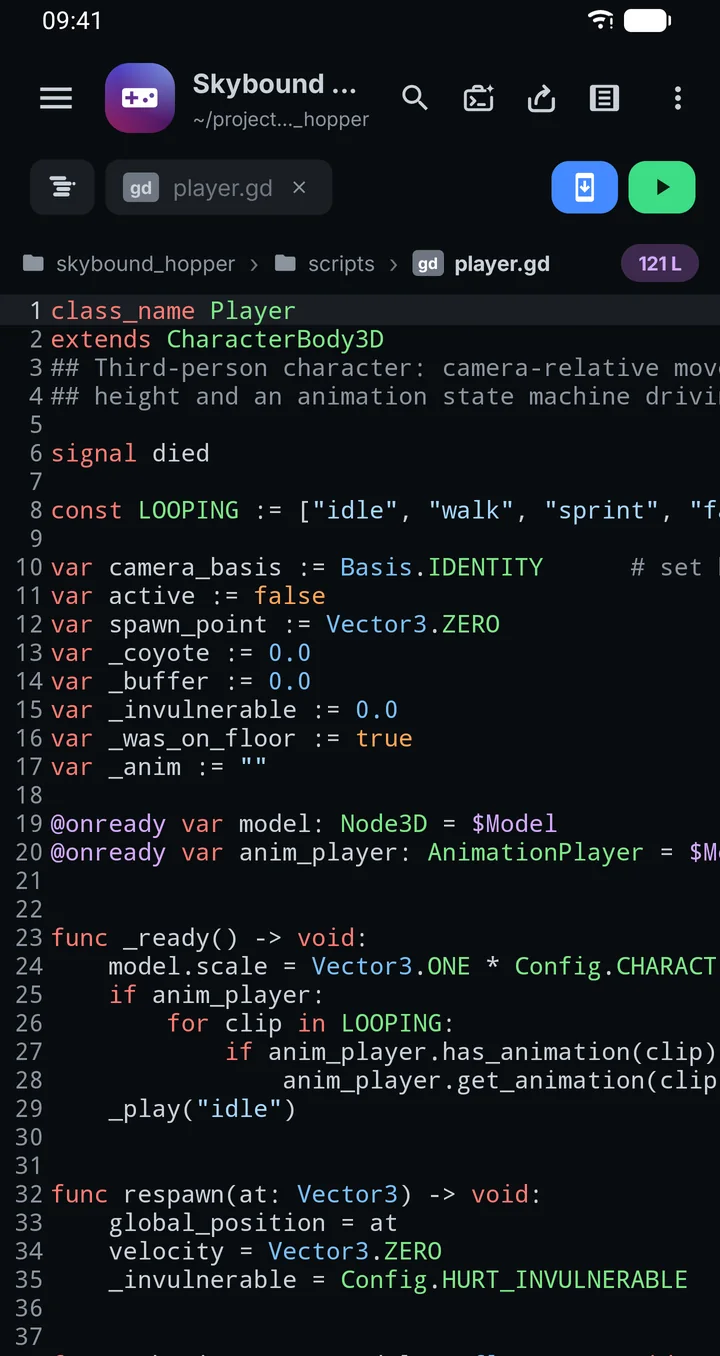
Stage, commit, amend, branch, fetch, pull and push.
See what changed before you commit, including what the assistant changed.
Clone and push over either. Credentials and SSH keys stay in the app’s private storage.
The git command is there too, in the Linux terminal, for anything the interface does not cover.
Clone a repository over HTTPS or SSH, or start one in an existing project.
Edit in the code editor and read the diff of what changed.
Commit, then push to your remote.