node and npm, as they are
A Linux userland with a package manager, where npm run build does what it does on a server.
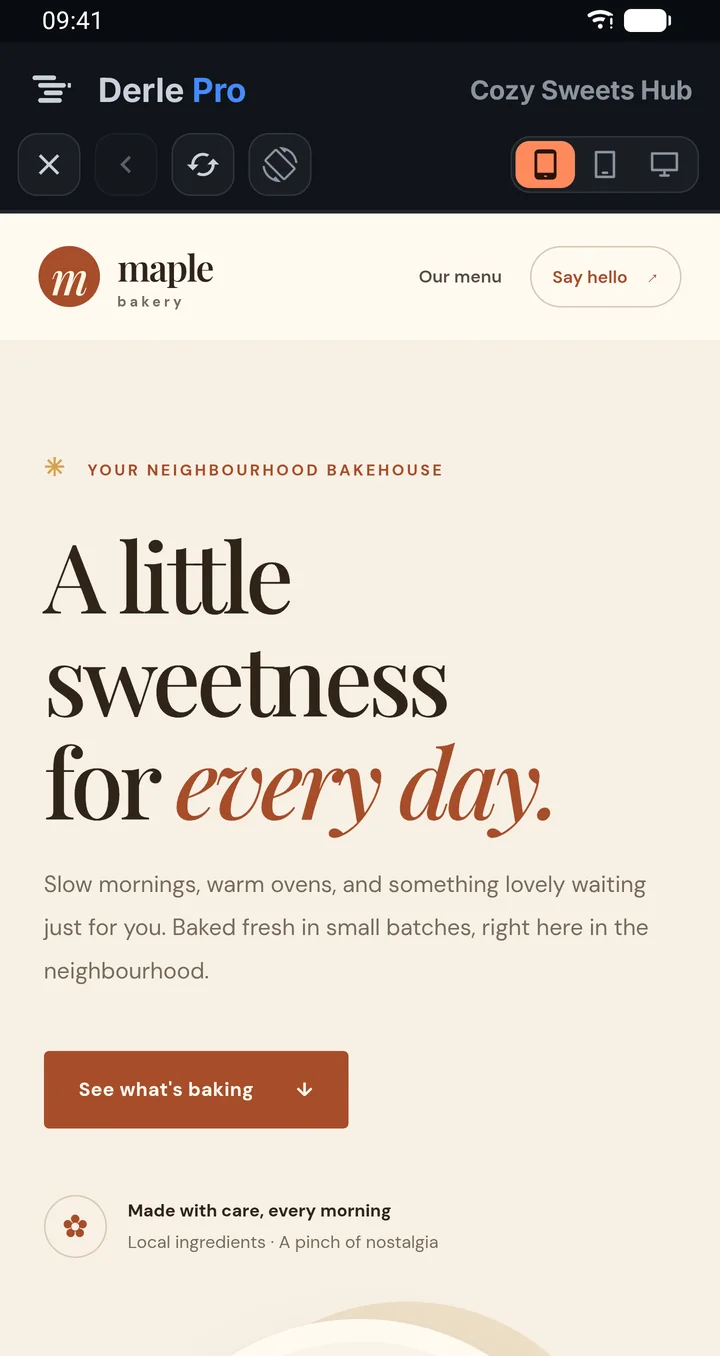
Derle runs Node.js in a real Linux userland on the device. Install packages with npm, run a server on the phone and open it in the preview, or build a React or Vue project with a live preview.
Free to try. Derle Pro is optional.
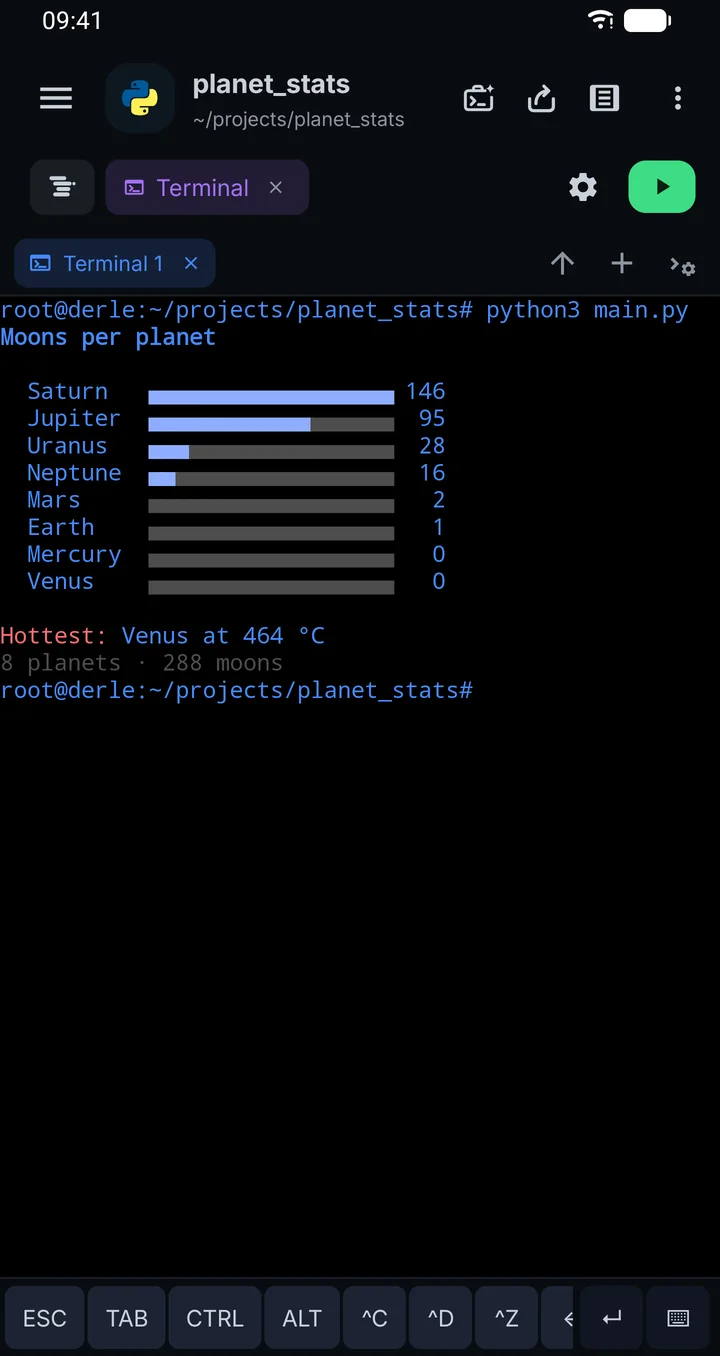
A Linux userland with a package manager, where npm run build does what it does on a server.
Run a backend on the device and call it from the preview browser.
Serve a web project and see it in the Preview tab, at phone, tablet and desktop size.
Supported as project types, with the assistant able to edit and run them.
Start a Node.js, React or Vue project in Engineering Mode. Node is installed on first use.
Add packages with npm and write the code in the editor.
Start it in the terminal and open it in the preview. The server keeps running in the background.