← Derle

SSH to your servers, from your phone.

Save your servers once and open a session without leaving the app. The SSH session sits next to your local shells, your editor and Git.

Free to try. Derle Pro is optional.
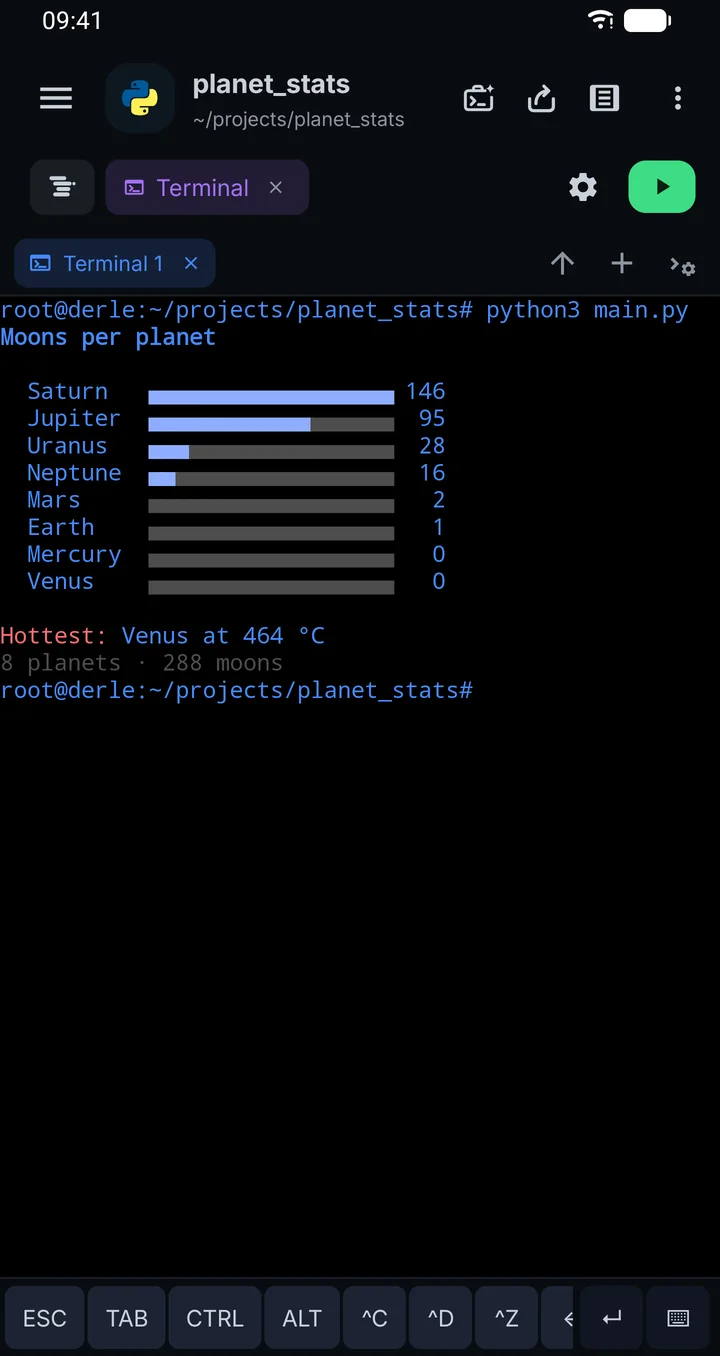
The Derle terminal on Android at a shell prompt, after running a script
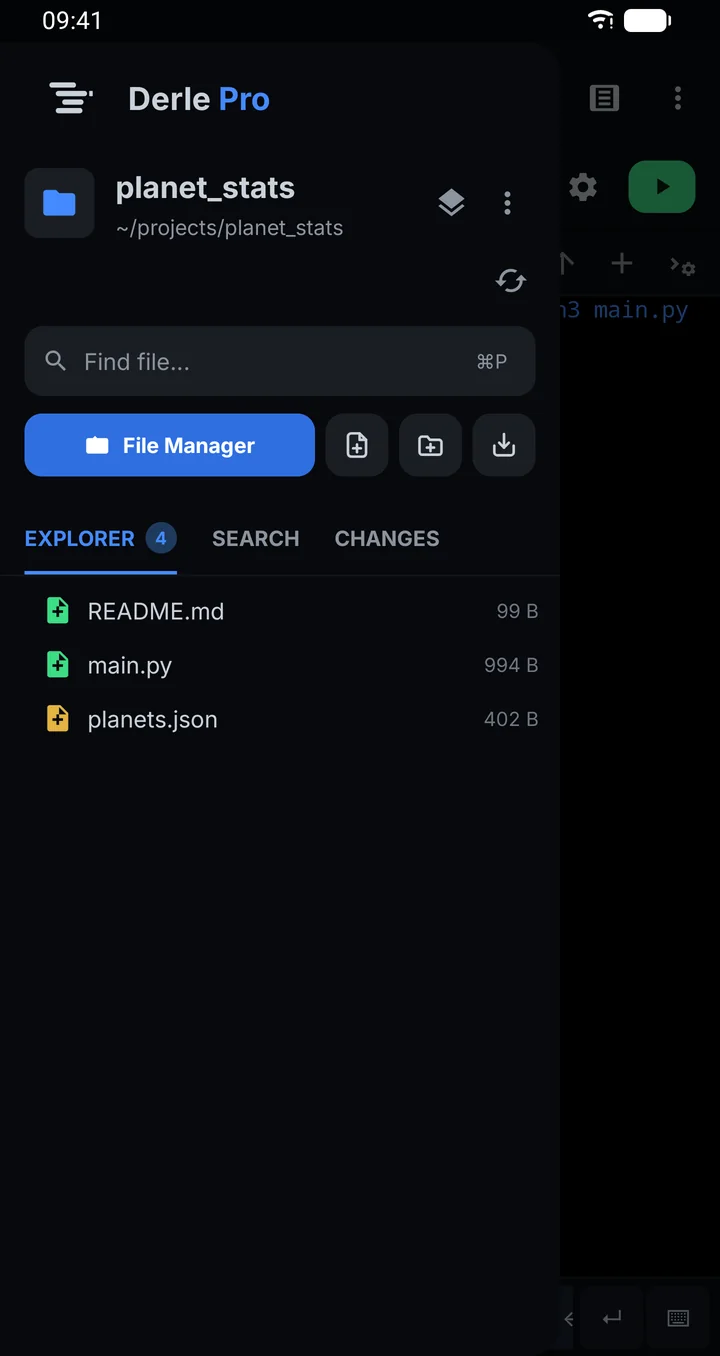
The file manager in Derle with a project’s files

A server session where you already work

Saved connections

Keep your servers in the app and connect with a tap.

A real terminal

The same terminal as your local sessions, with the extra keys a phone keyboard lacks.

Git over SSH

Clone and push over SSH from the same app.

Keys stay on the device

SSH credentials are kept in the app’s private storage.

From a saved server to a shell

  1. Add a server

    Save the host and how you sign in.

  2. Connect

    Open the session from the app.

  3. Work

    Run commands on the server while your local project stays open beside it.

Questions

Is there an SSH client in Derle?
Yes. Derle has SSH built in: you save your servers and open a session without leaving the app.
Where are my SSH keys kept?
SSH credentials stay in the app’s private storage on your device.
Can I use Git over SSH?
Yes. You can clone and push over SSH. Git is part of Derle Pro.